
Alarm clock for iPhone and Android
An alarm clock for shift work
For shifts: stamp the days month by month
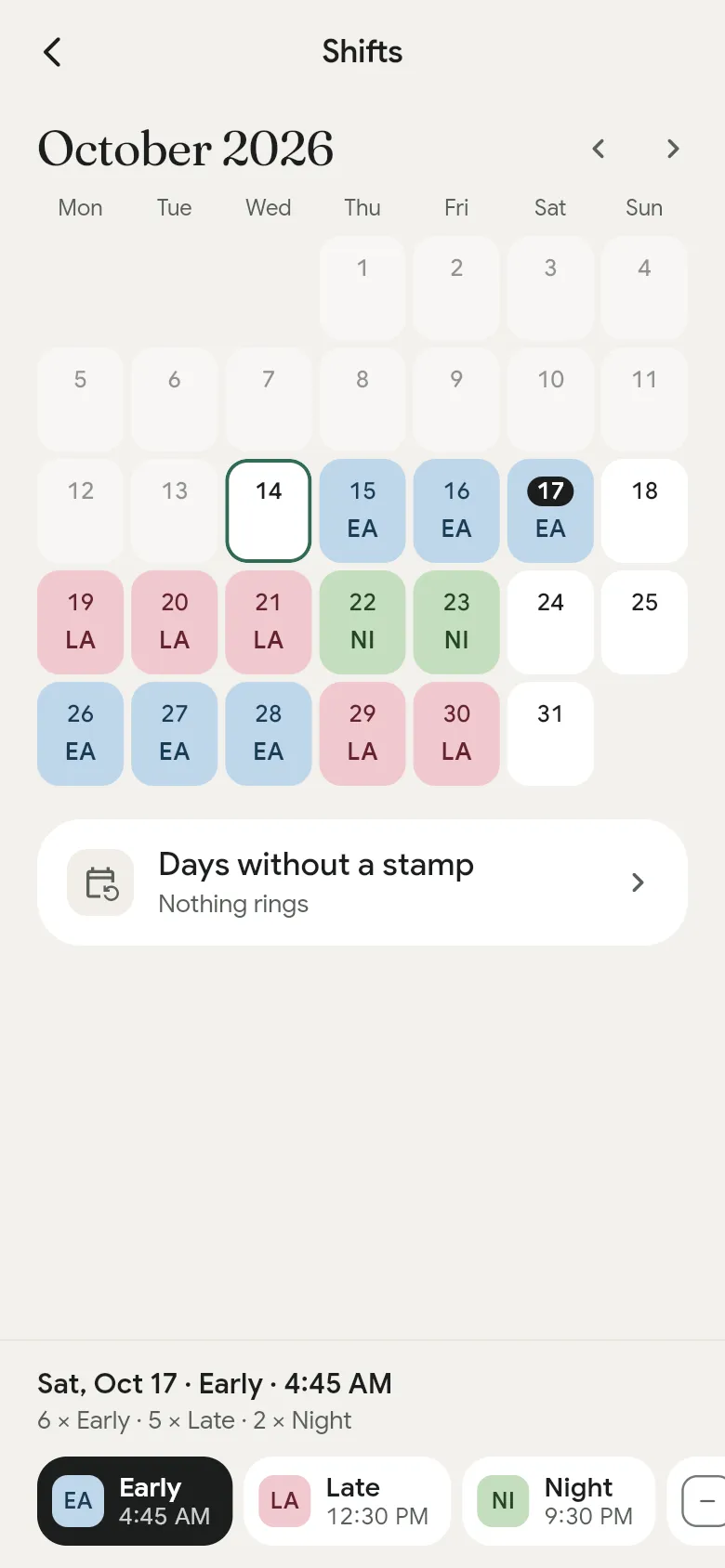
Early shift this week, late shift the next: in a shift schedule you create your shifts once, each with its wake times and a colour, and then stamp the days you have them. Days without a stamp stay quiet unless you choose a shift for them. An addition such as “Car” can move the wake time of a day, and the evening before Daynori tells you when your alarm rings.
Shifts
How the shift schedule works
01
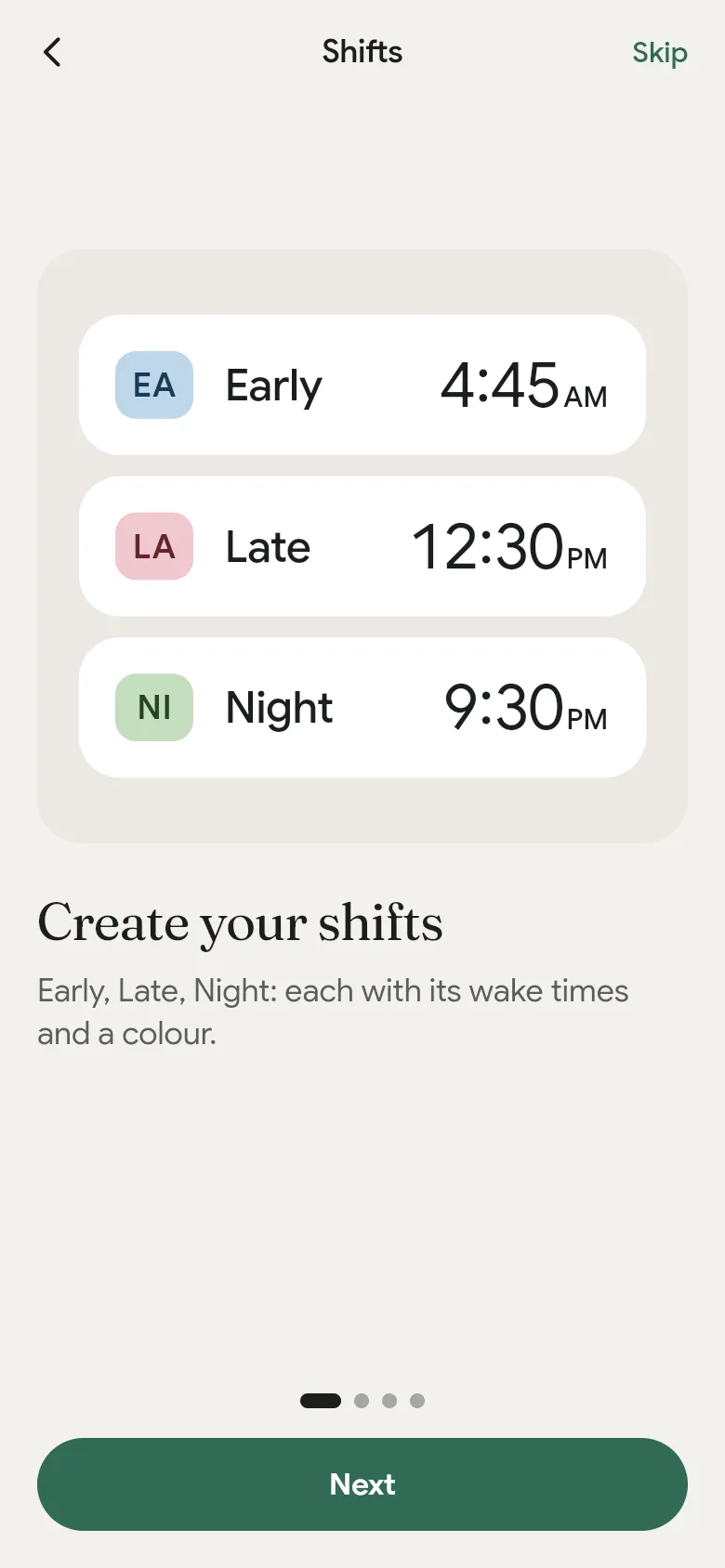
Create your shifts
Early, Late, Night: each with its wake times and a colour.
02
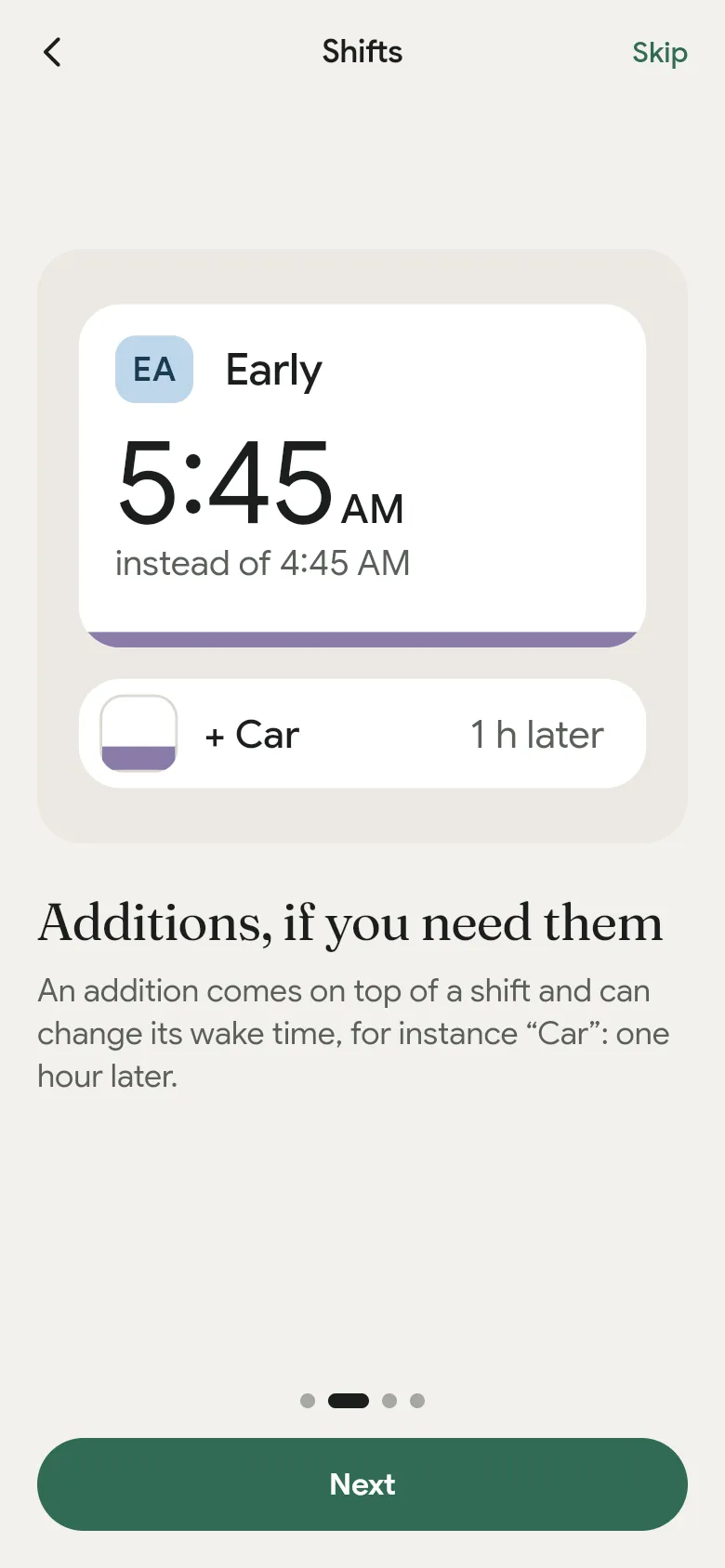
Additions, if you need them
An addition comes on top of a shift and can change its wake time, for instance “Car”: one hour later.
03
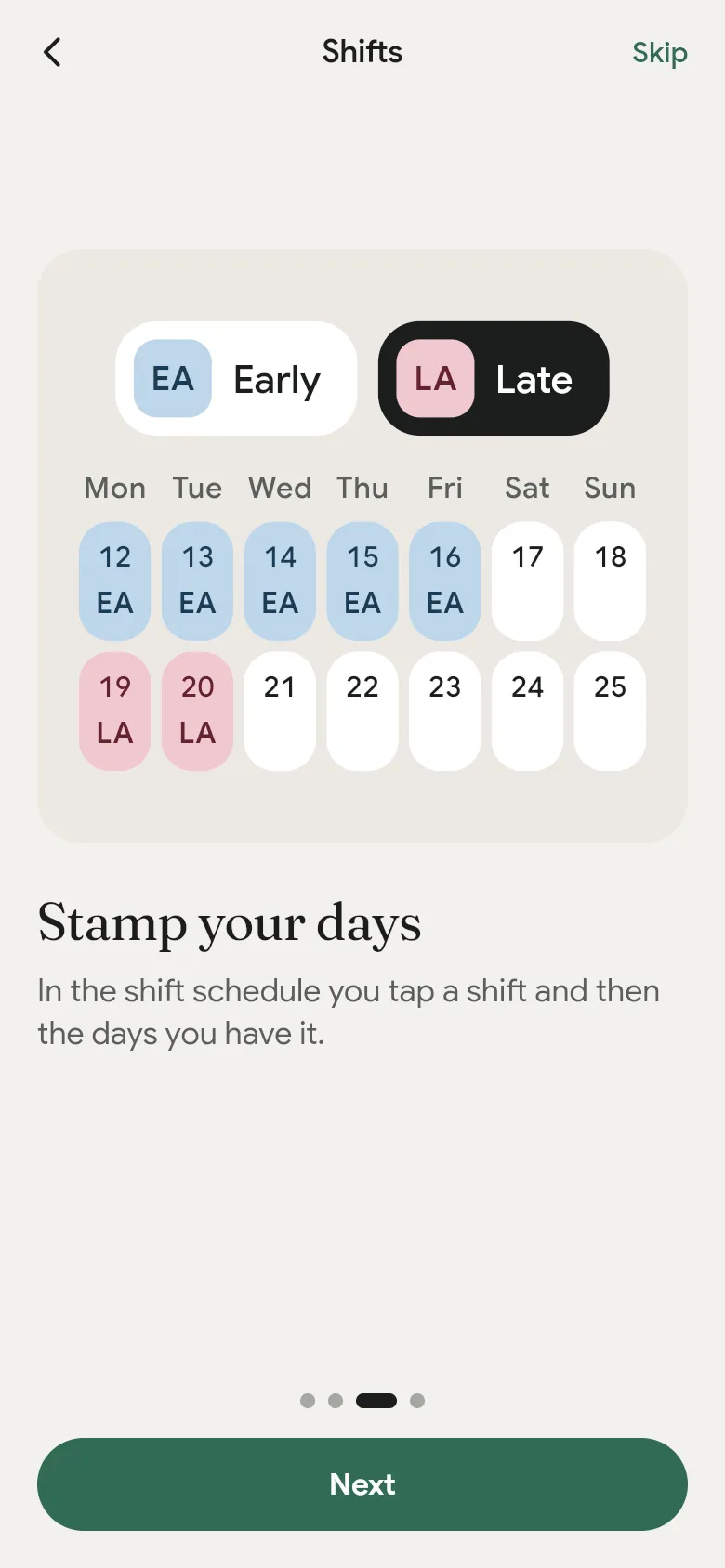
Stamp your days
In the shift schedule you tap a shift and then the days you have it.
04
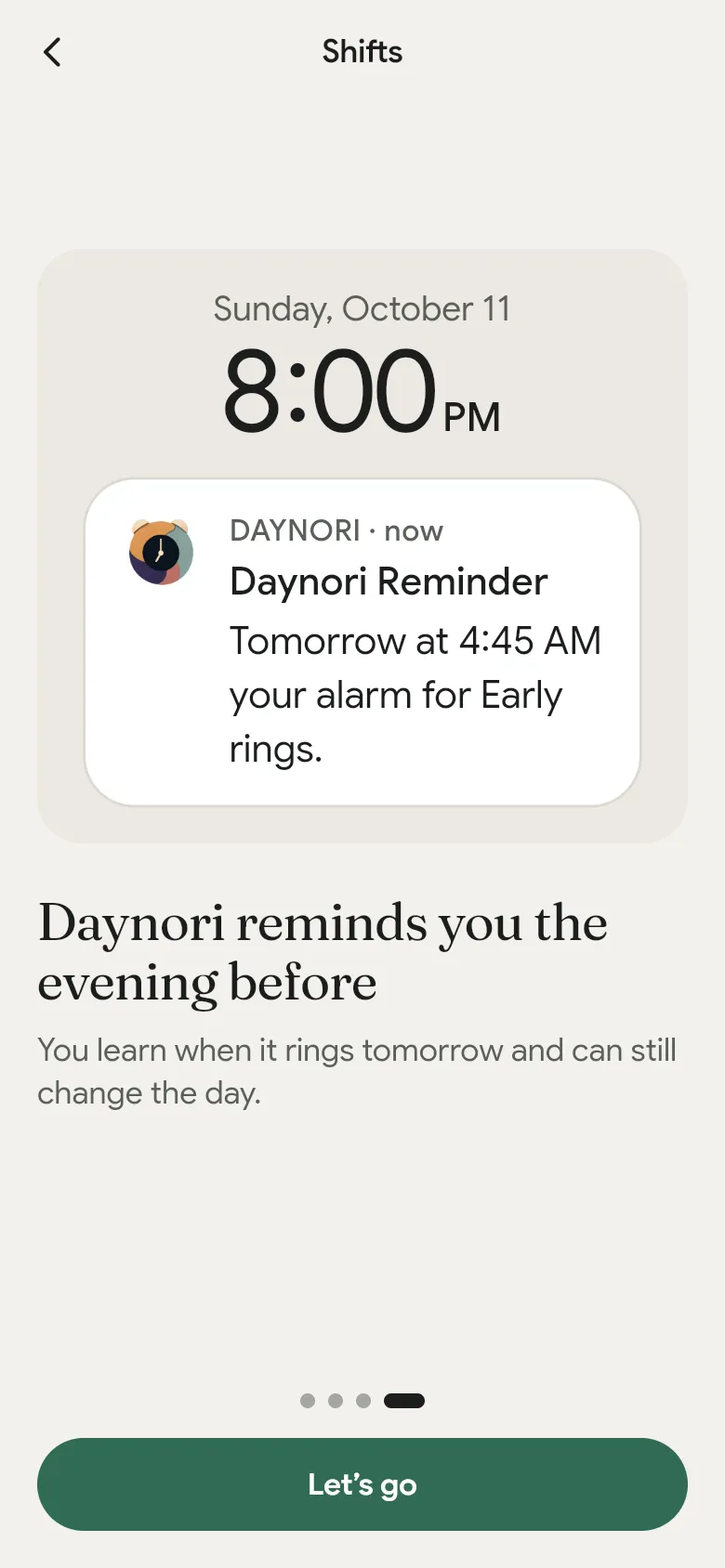
Daynori reminds you the evening before
You learn when it rings tomorrow and can still change the day.
Shifts
Stamp your days
Choose below what to stamp, then tap the days.
Day off
Only a mark in the shift schedule.
What rings on days without a stamp?
Applies to every day without a stamp, and for 60 days after your shift schedule ends. Stamp your days off as Day off.
For which shift?
The wake time rings on every day that carries one of the chosen shifts.
Daynori Reminder
Reminder the evening before
Tells you when it rings tomorrow.
Reminder time
You learn when it rings tomorrow and can still change the day.
Your shift schedule ends tomorrow.
The evening before, Daynori also tells you when your shift schedule runs out, or when a shift is stamped for tomorrow but nothing rings.
Quick set
How would you like to be woken?
Snooze
This is how long it stays quiet before the alarm rings again.
Skip
Skipped today. Active again tomorrow.
My reason
What do you get up for?
Wake check
One more alarm after getting up, in case you are lying down again. It then appears in your alarm list.
Test ring
Try the wake-up flow
Recently deleted
14 days under “Recently deleted”

Two groups are free
With Daynori Pro you create as many groups as you like. Or delete a group you no longer need.
Daynori Pro
Your morning is set.
For iPhone with iOS 26 or later and for Android 10 or later.