
Alarm clock with snooze, groups and wake check
When does your morning begin?
One time, done.
Daynori is an alarm app for iPhone and Android: one alarm for tomorrow, a group of wake times for your work week, or alarms by shift. Snooze for 3 to 30 minutes, skip today, and after you get up a wake check can ring once more.
Alarms
One alarm · A group · Alarms by shift
One alarm
One time, done.
A group
Several wake times with one switch, for an early shift for example.
Alarms by shift
For shifts: stamp the days month by month
Every wake time of the group rings on these days. Single ones can get days of their own.
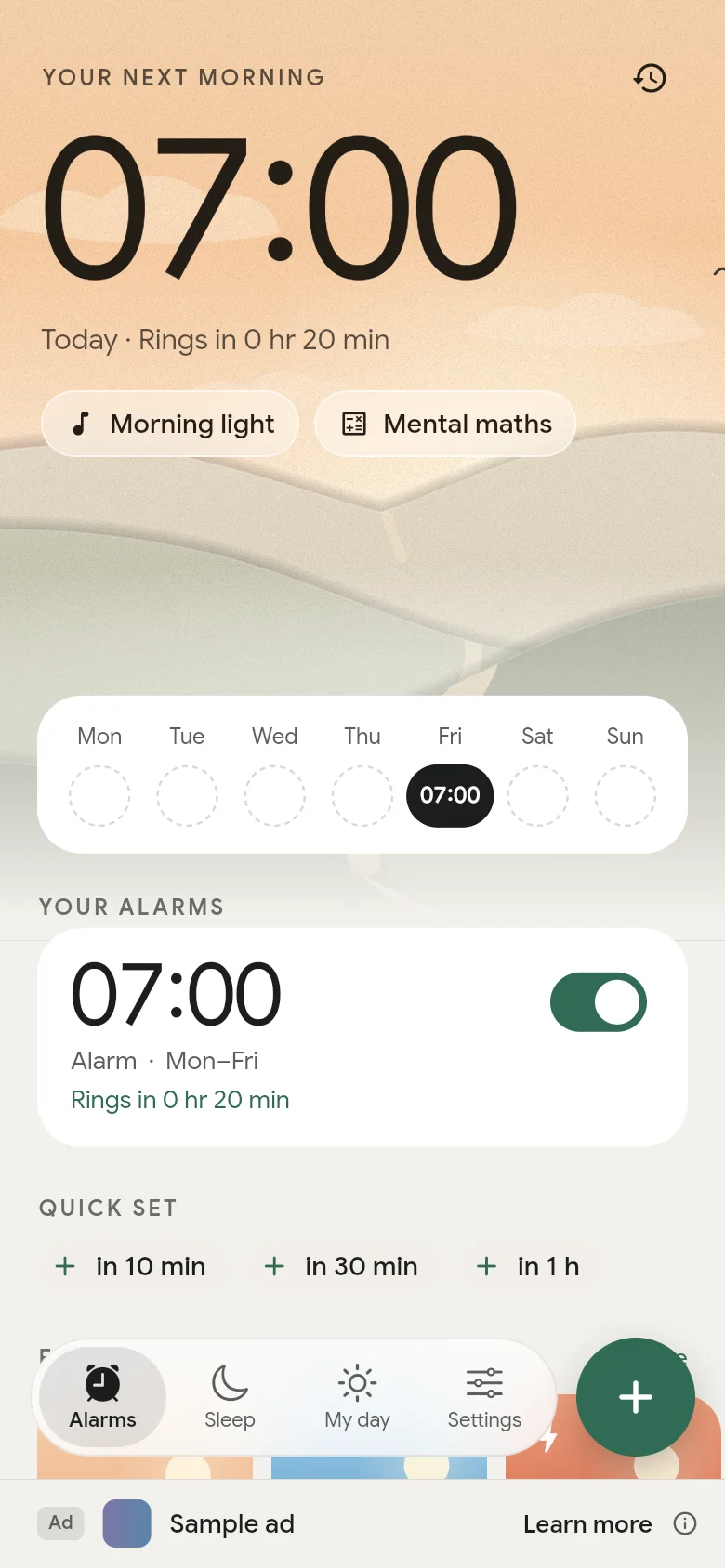
Your next morning
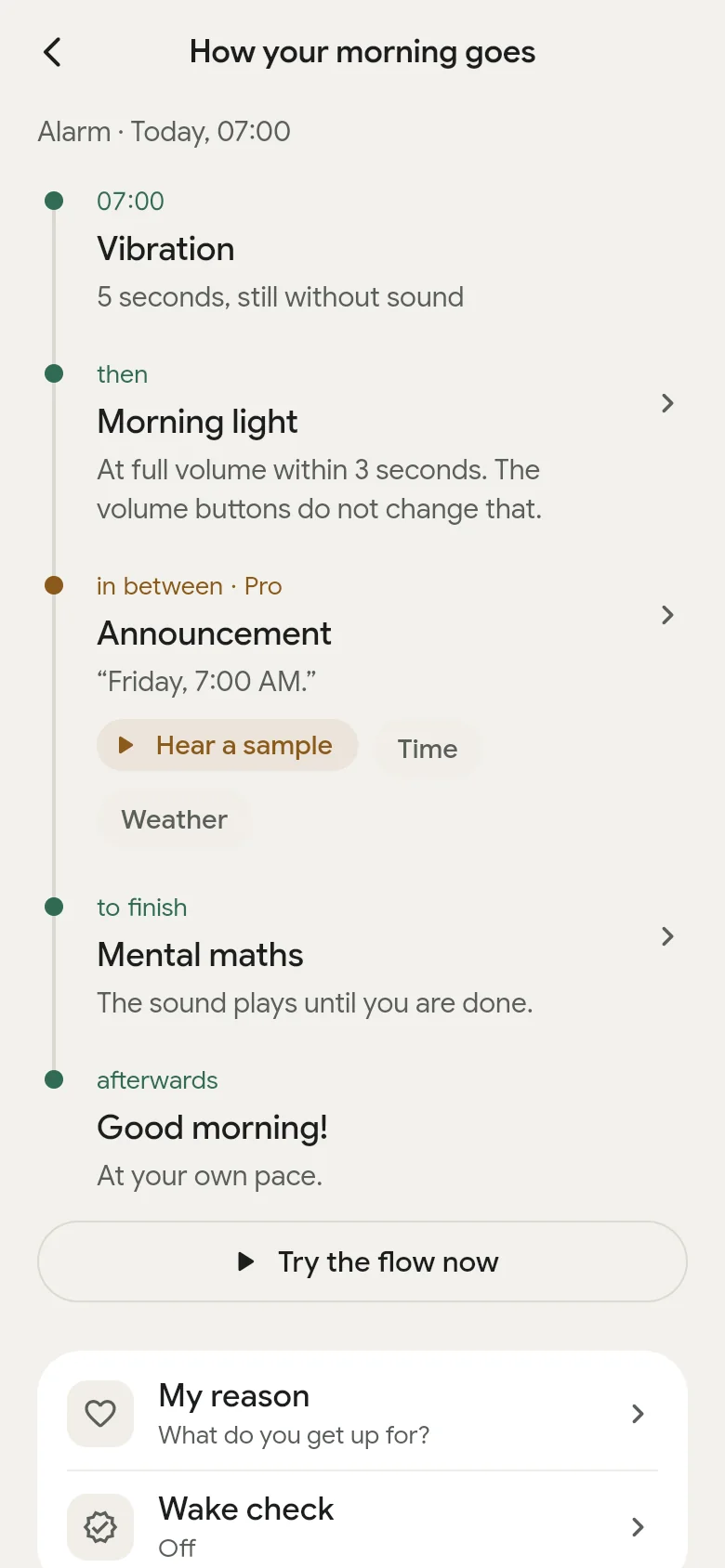
How your morning goes
You see beforehand what will happen. And try it once the evening before.
01
Vibration
5 seconds, still without sound
02
Sound
At full volume within 3 seconds. The volume buttons do not change that.
03
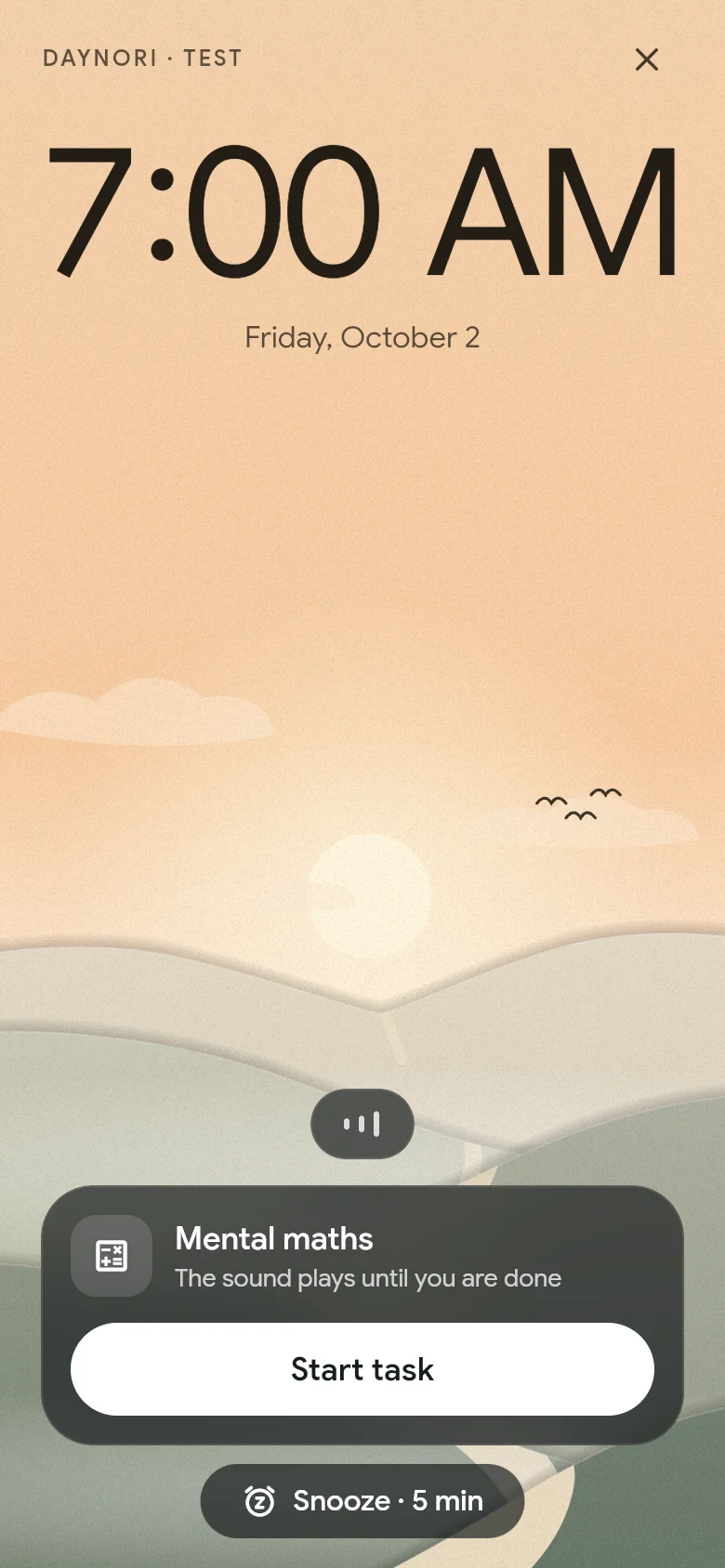
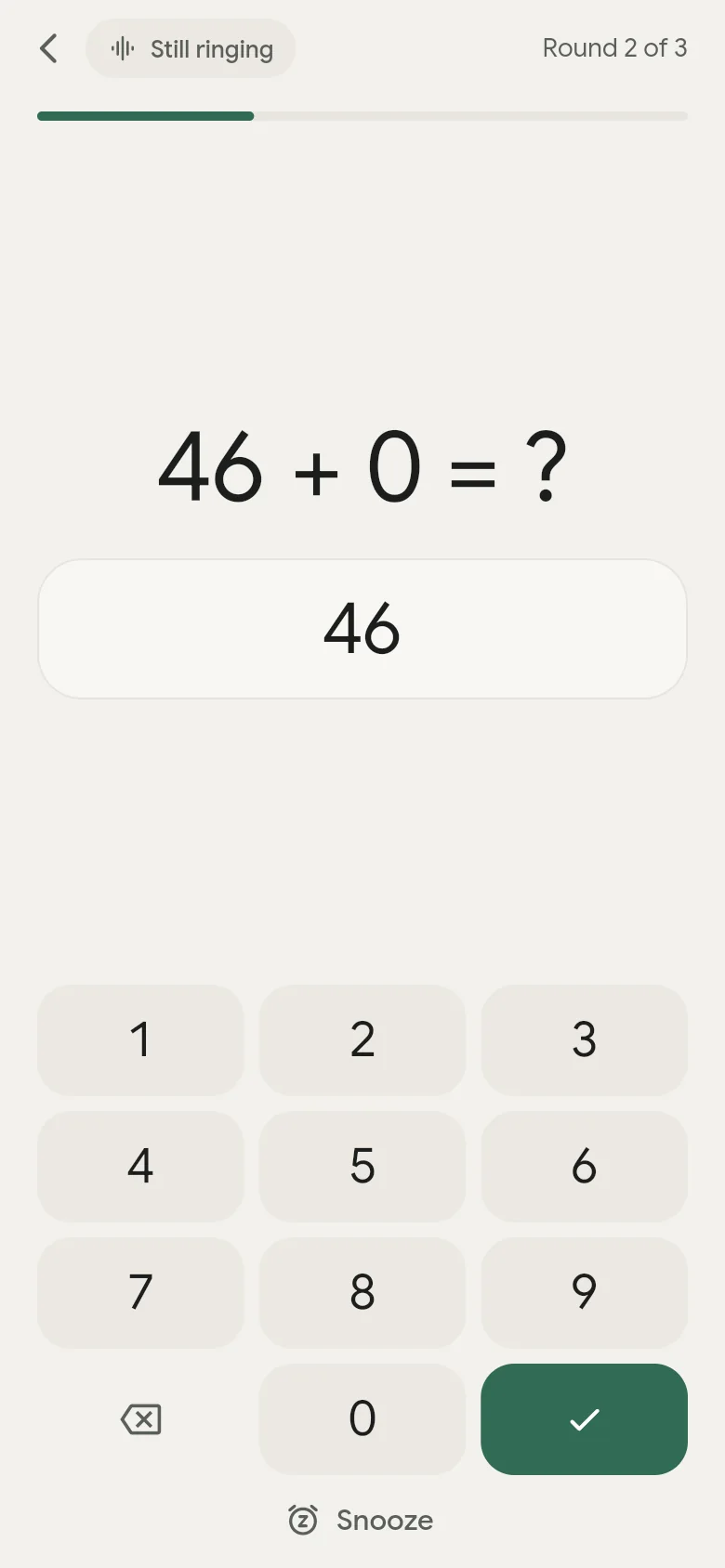
Wake-up tasks
The sound plays until you are done.
04
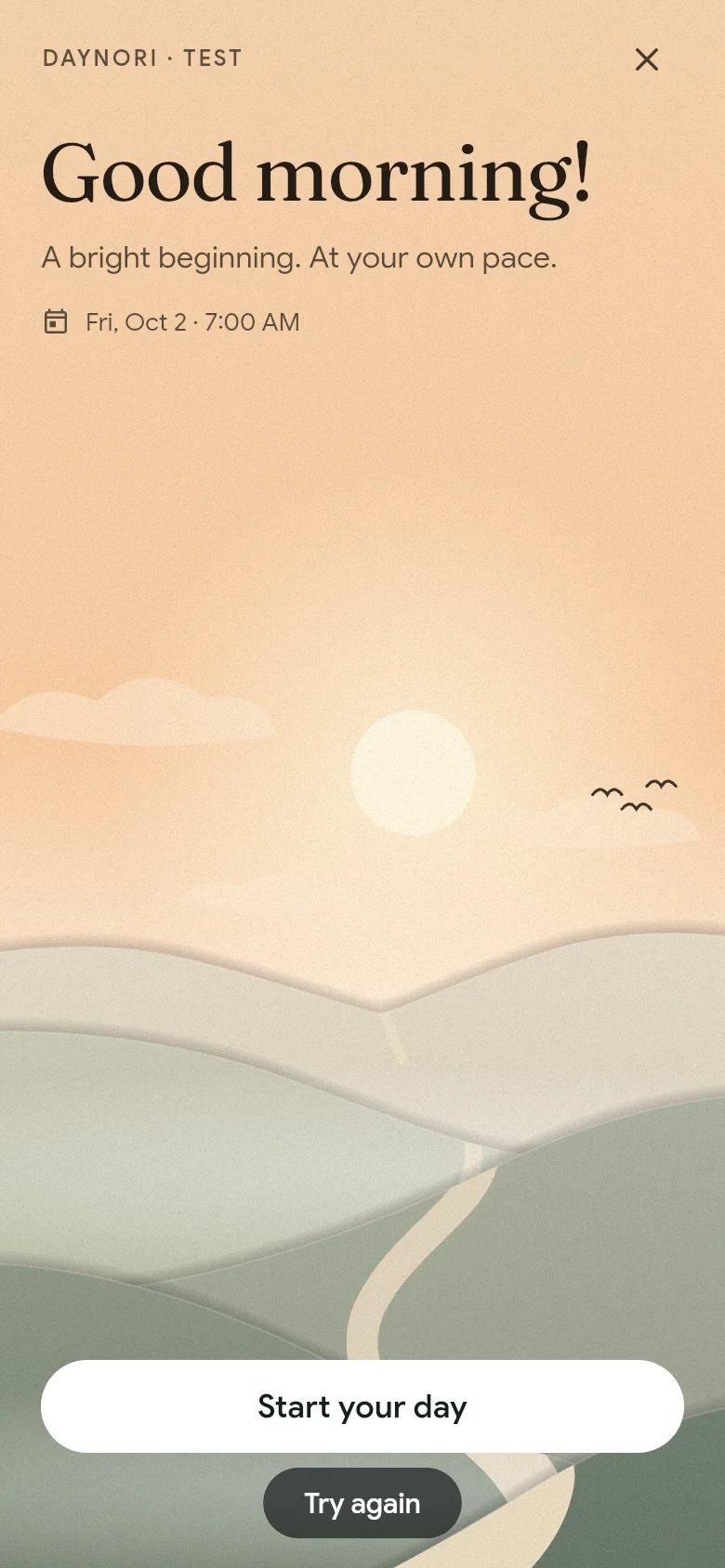
Good morning!
A bright beginning. At your own pace.
05
Wake check
One more alarm after getting up, in case you are lying down again. It then appears in your alarm list.
Quick set
How would you like to be woken?
Snooze
This is how long it stays quiet before the alarm rings again.
Skip
Skipped today. Active again tomorrow.
My reason
What do you get up for?
Wake check
One more alarm after getting up, in case you are lying down again. It then appears in your alarm list.
Test ring
Try the wake-up flow
Recently deleted
14 days under “Recently deleted”
Night guard
How your alarm rings
Daynori stays awake in the background until the alarm, rings itself and grows louder until you snooze or get up. So do not swipe Daynori away.
One request for the night
Leave Daynori open in the background and do not swipe it away. Then Daynori rings itself: rising, at full volume.
Daynori stays awake in the background
The iOS alarm always stands by in reserve. It rings if Daynori was closed. iOS decides its volume, and any button stops it.
Night guard
Without the night guard only the iOS alarm rings. It is quieter, and any button stops it. The night guard uses a little more battery.
On iPhone
Two groups are free
With Daynori Pro you create as many groups as you like. Or delete a group you no longer need.
Daynori Pro
Your morning is set.
For iPhone with iOS 26 or later and for Android 10 or later.