
Alarm clock with tasks and games
Do you like to stay in bed?
A small task helps you wake up. Only then is the alarm off.
A wake-up alarm with tasks: it only stops once you have shaken your phone, solved three sums, scanned a barcode or played a short game. 29 wake-up tasks, 12 of them free. Every task is optional, and there is a way out of each.
Wake-up tasks
Choose what helps you in the morning. Every task is optional, and there is a way out of each.
EasyMediumHard
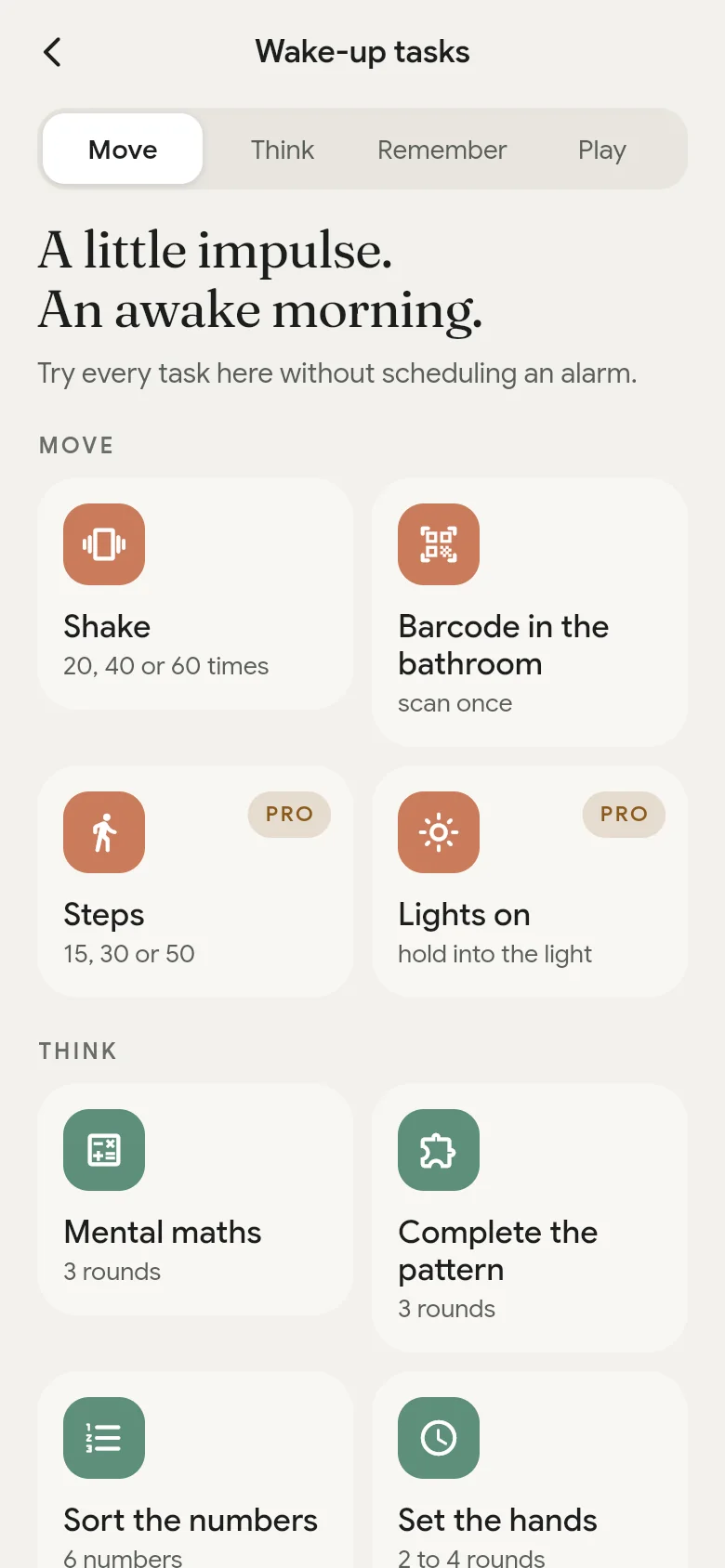
Move
- ShakeShake your phone awake.
- Barcode in the bathroomScan the code you picked.
- StepsTake a few steps. Your phone counts along.Pro
- Lights onHold your phone into the light.Pro
- Push-upsStand your phone on the floor in front of you. It counts your push-ups.Pro
- SquatsStand your phone where it sees all of you. Turn a little to the side and squat.Pro
- Jumping jacksArms up, legs apart. Your phone counts along.Pro
- StretchHold each stretch for five seconds.Pro
- DanceYour song plays. Dance until the bar is full.Pro
- Make the bedLights on, make your bed and take a photo of it.Pro
- Find the thingFind the thing named and take a photo of it.Pro
Think
- Mental mathsThree small sums.
- Complete the patternSpot the pattern and choose the next shape.
- Sort the numbersTap the numbers in order.
- Set the handsTurn the clock to the time shown.
- Odd one outFind the shape that does not belong.Pro
- Say it on the beatSay each word out loud, right on the beat.Pro
Remember
- Type a sentenceStart typing. Your letters light up in the sentence.
- Find tilesFind all three suns
- Remember the sequenceTap the four tiles in the order shown.
- Find the pairsTurn over what belongs together.
- Morning puzzlePut the landscape back together.Pro
Play
- Wipe away the mistRub the mist off the landscape.
- Connect the starsConnect the stars in order.
- Find the wayDrag the ball to the sun. Touch a wall and you return to the start.Pro
- Keep the ballMove the paddle with your finger. At 5 hits you’re awake — then keep going if you like.Pro
- Rise and shineSteer your bouncing dot with your finger. Complete the task at 200 m. From 1,000 m, speed increases and cracked platforms hold for just one jump.Pro
- Raise the sunDraw the sun slowly over the arc.Pro
- Catch the firefliesTap the wandering lights.Pro
12 free and 17 for Pro
Good to know
The sound plays until you are done.
I cannot do this right now
Snooze stays available. If the task will not work one morning, holding for 10 seconds ends the alarm after two minutes or three failed attempts.
Slide to get up
Slide to get up. A tap is not enough.
12 free and 17 for Pro
For your alarm this needs Pro. You can try the task for free, and with a short video you use it in every alarm for 24 hours.
Several tasks in a row Pro
With Daynori Pro an alarm can ask for up to three tasks, one after the other, before it ends.
Camera and microphone
Some tasks use the camera or the microphone, and only while the task runs. Daynori stores no pictures and no recordings.
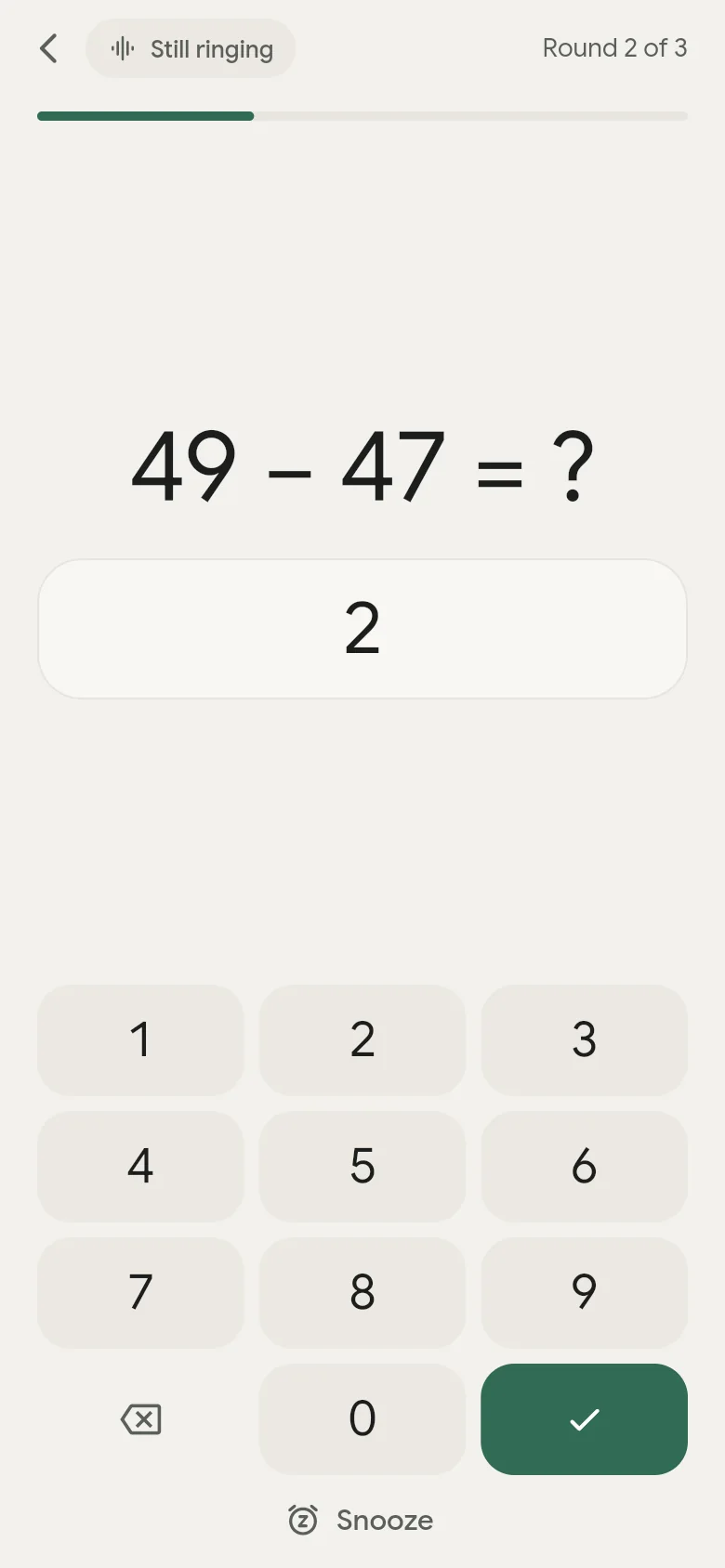
Play Pro
17 more tasks and games
For your alarm this needs Pro. You can try the task for free.
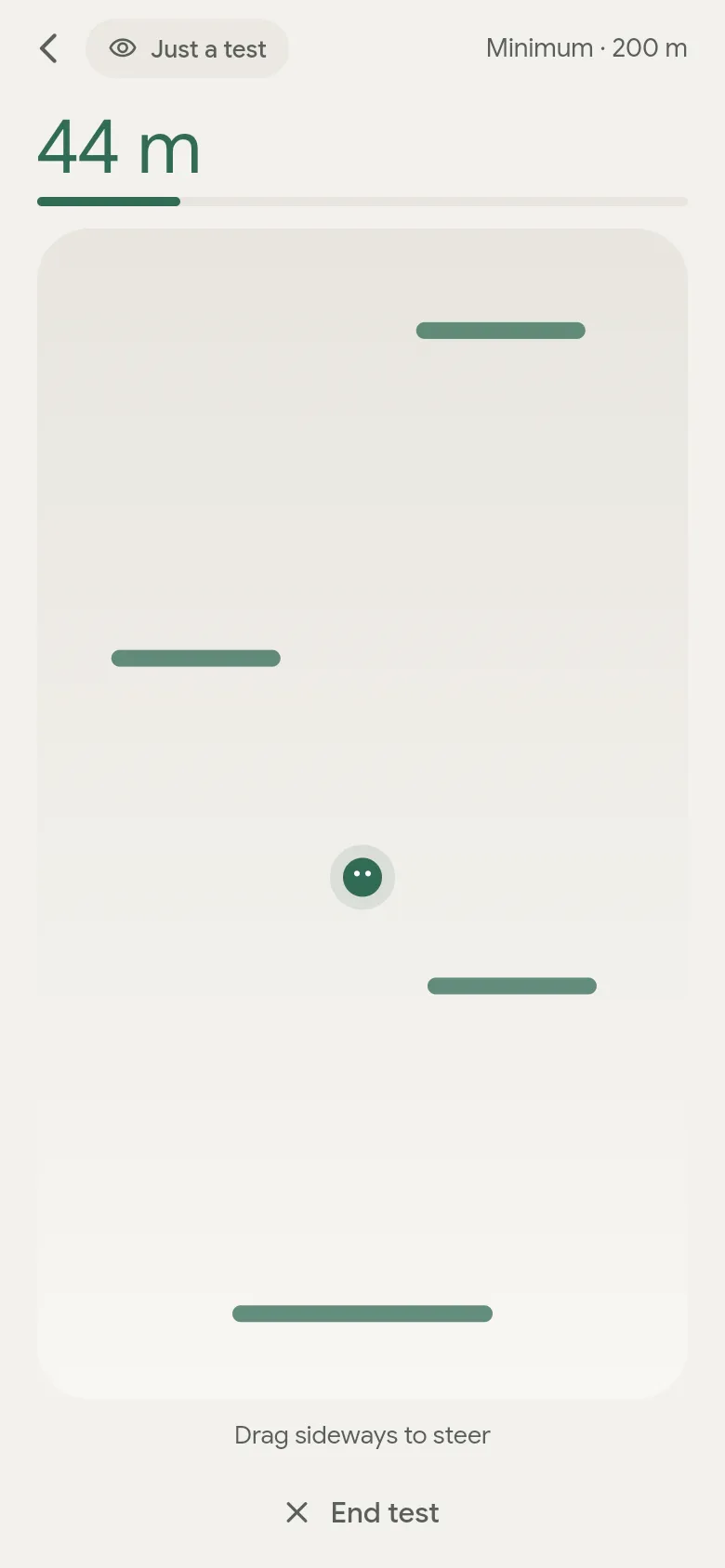
Rise and shine Pro
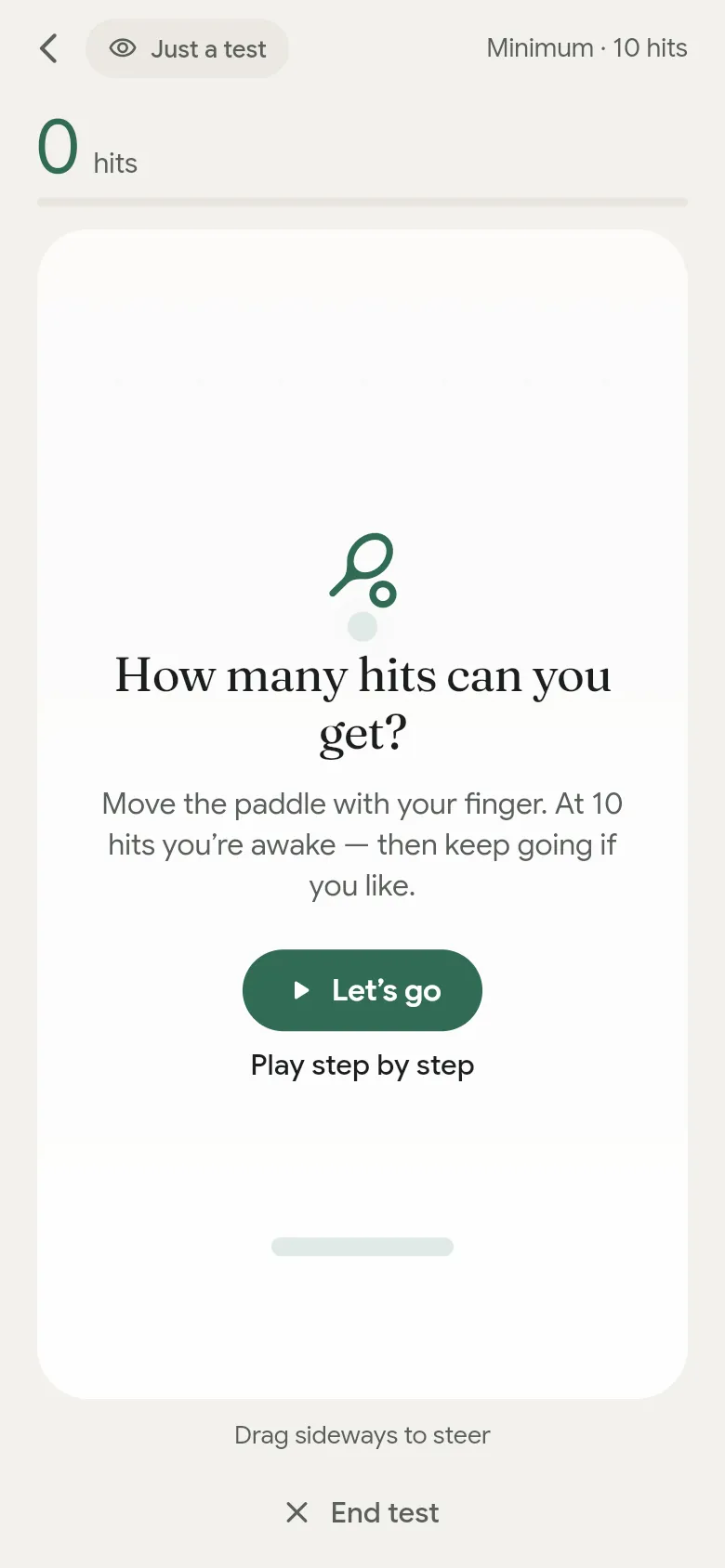
Keep the ball Pro
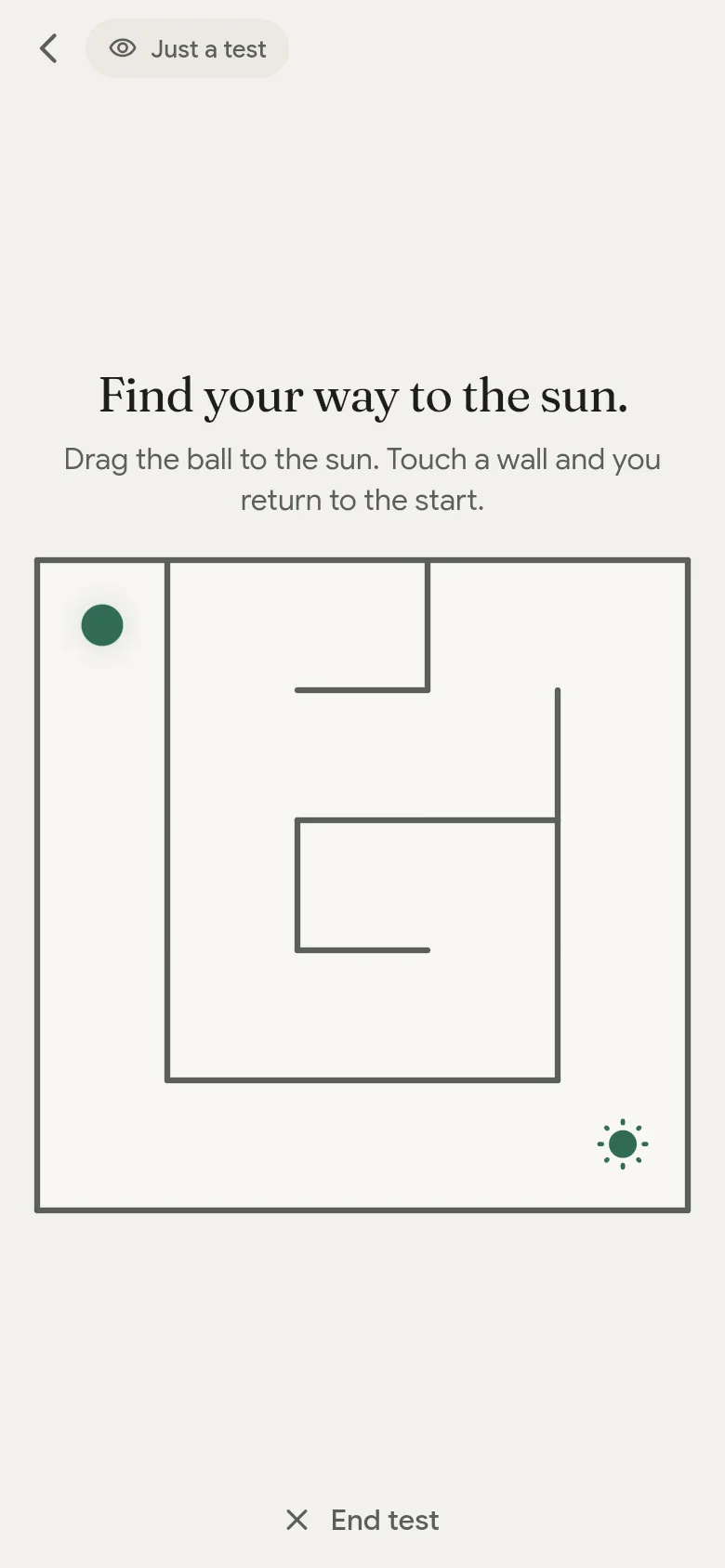
Find the way Pro
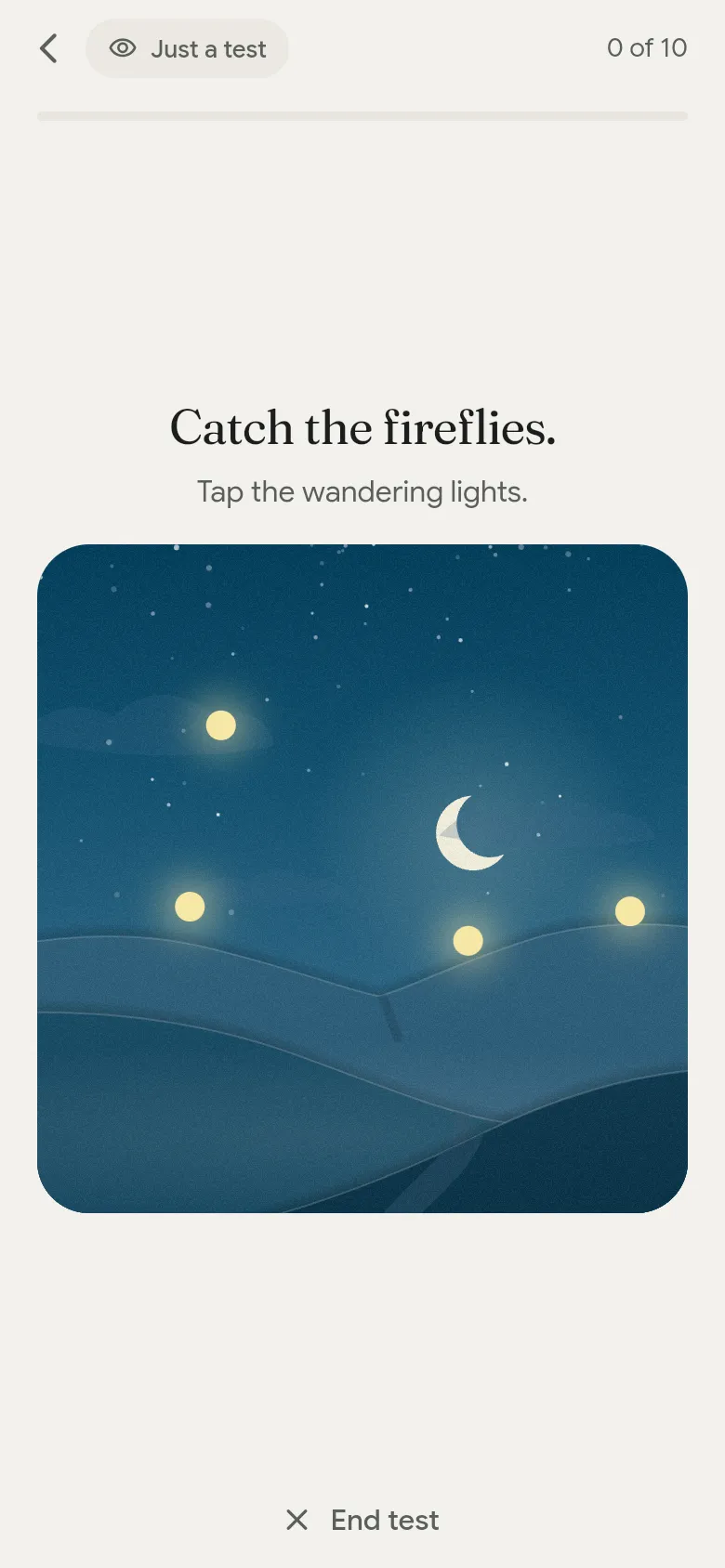
Catch the fireflies Pro
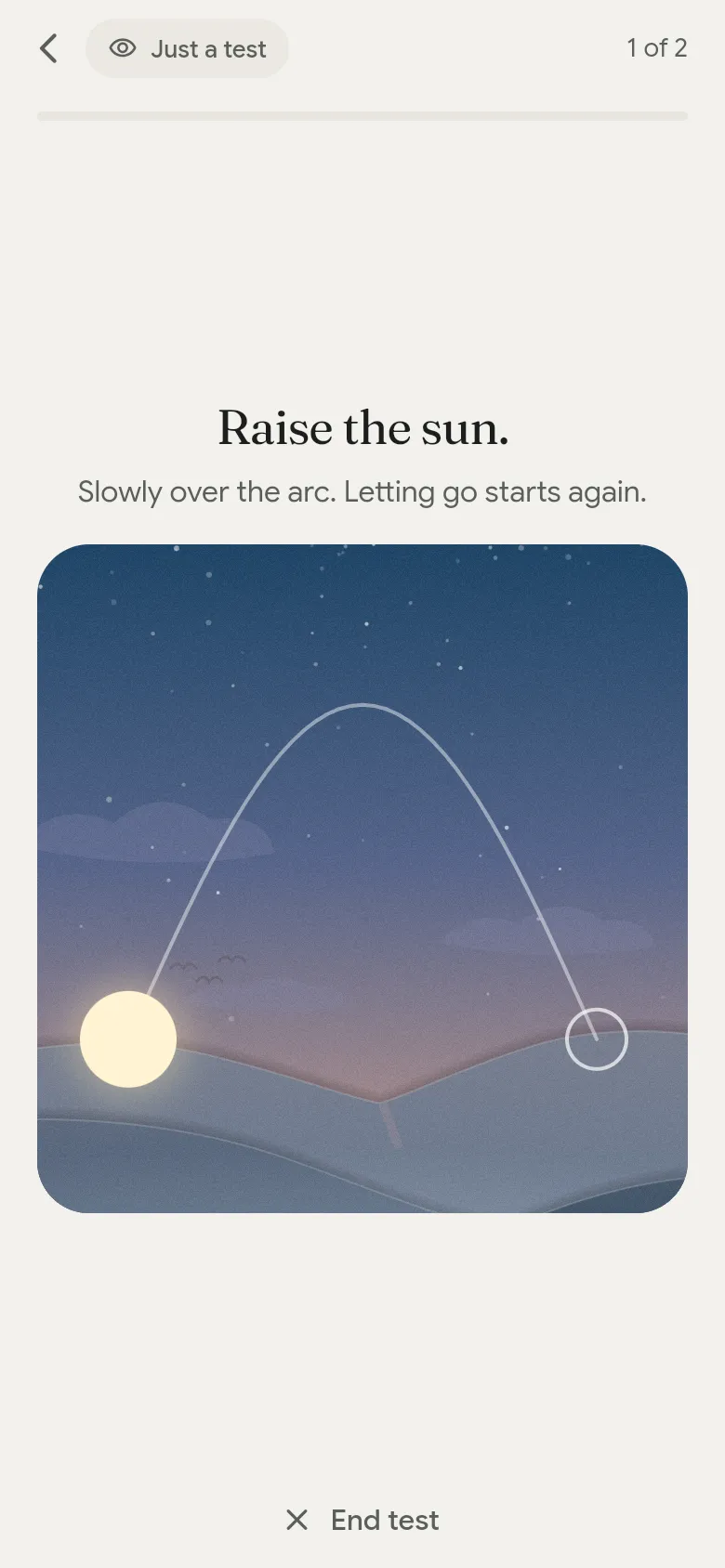
Raise the sun Pro
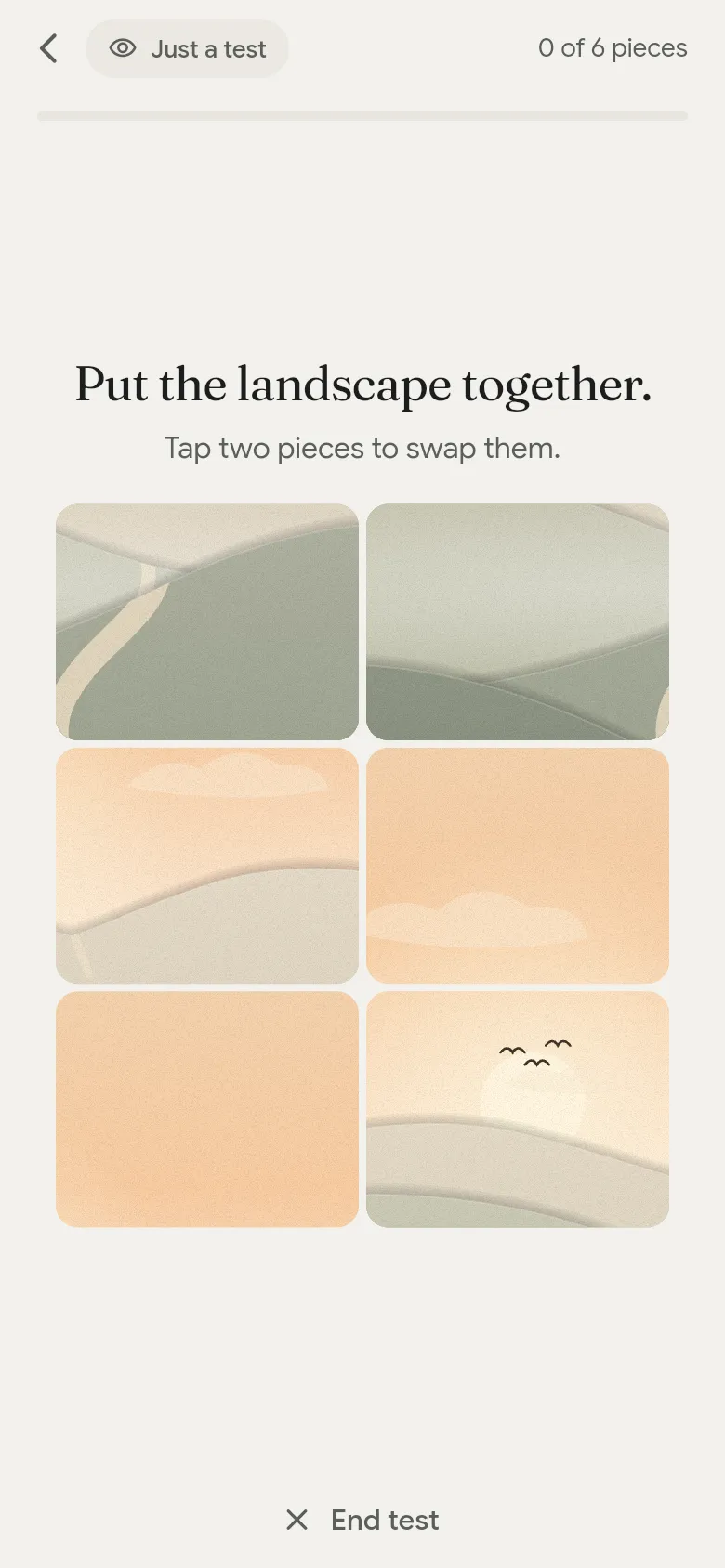
Morning puzzle Pro
Your morning is set.
For iPhone with iOS 26 or later and for Android 10 or later.